
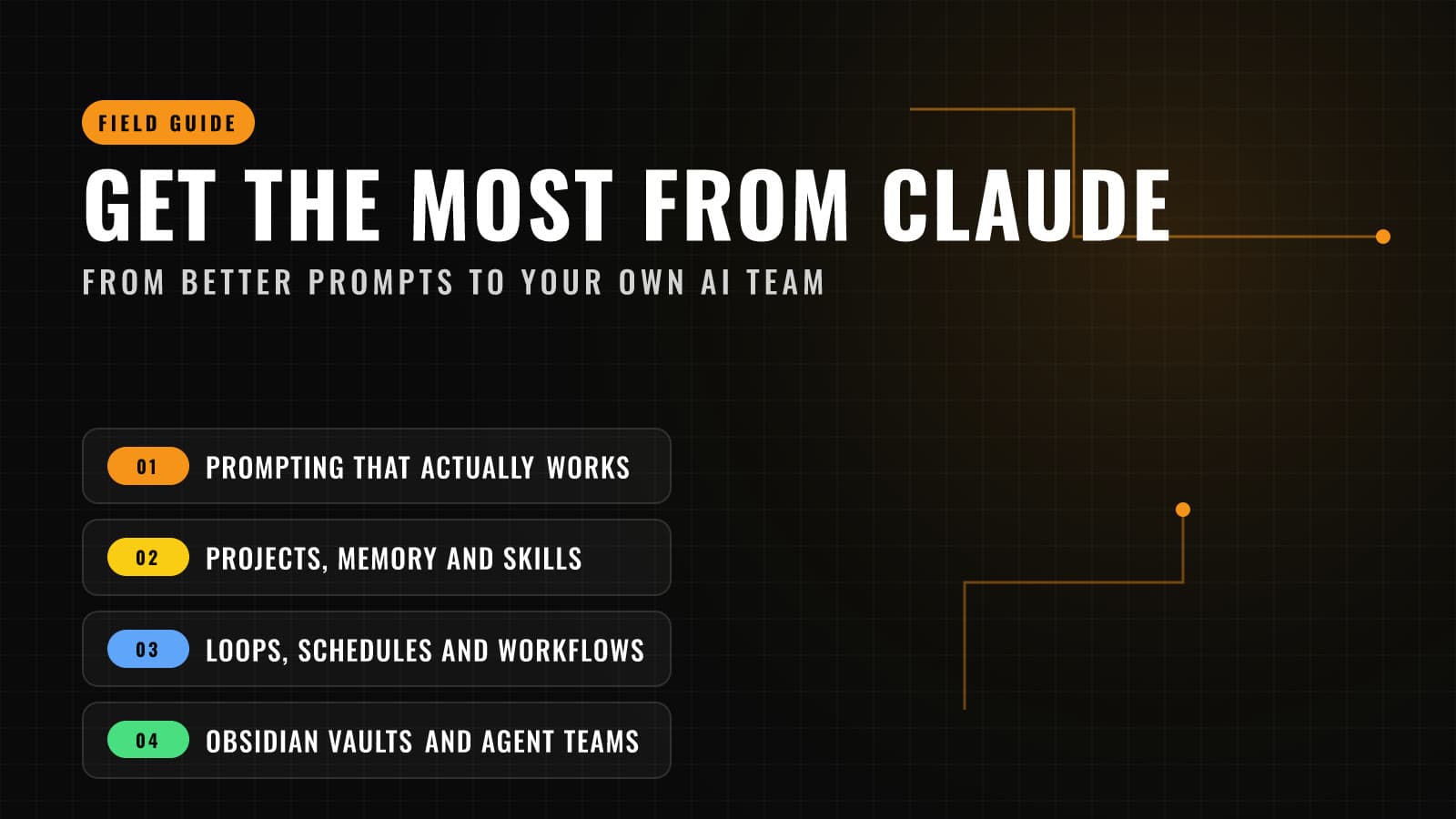
Get the Most from Claude: From Better Prompts to Your Own AI Team
A practical field guide to Claude, from prompts that actually work (and why you should stop prescribing the solution) to Projects, memory, skills, recurring loops, Obsidian vaults and a team of AI agents that work together.
Most people use Claude like a search box: type a question, get an answer, move on. That works, but it leaves most of the value on the table.
At Ultra Labs we use Claude every day to research, write, build software, audit our own websites for security and SEO, and run small teams of AI agents that work in parallel. This guide covers what we have learned, starting with the basics anyone can use today and finishing with the advanced setups that turn Claude from a chatbot into a working team.
Part 1: Prompting that actually works
Anthropic publishes an excellent prompt engineering guide. These are the habits from it that make the biggest difference.
Be clear and direct. Anthropic suggests a simple test: would a smart colleague with no background understand your request? "Write a post about our product" fails that test. "Write a 600 word post for homeschool parents explaining how our workbook saves them planning time, warm tone, end with a link to the waitlist" passes it.
Explain the why. Telling Claude why you want something lets it make better decisions on everything you did not spell out. "Keep it short because people read this on their phones" beats "keep it short."
Show, don't just tell. If you want a specific style or format, give Claude three to five examples. Anthropic recommends wrapping them in tags like <example> so Claude knows exactly where each one starts and ends.
Use structure for long prompts. When you paste in a document, data and instructions together, separate them with simple tags so nothing gets mixed up:
<instructions>Summarize the contract for a non-lawyer. Flag anything unusual.</instructions>
<contract>...paste here...</contract>
Give it a role. "You are an experienced bookkeeper reviewing a small business's expenses" sets the right expertise and tone before you ask anything.
Break big jobs into steps. One giant prompt that asks for research, an outline, a draft and a review usually does each part worse. Ask for them one at a time, or let Claude split the work up itself, which we cover in Part 5.
Let it think on hard problems. For tricky analysis, planning or math, Claude's thinking modes give it room to reason before answering. Use them for the hard stuff and skip them for quick questions.
Use negative prompts carefully. Telling Claude what not to do is useful, but it works best in two specific ways:
- Pair every "don't" with a "do instead." "Don't use jargon" leaves Claude guessing. "Don't use jargon. Write for a smart 12 year old, and explain any technical term in plain words" gives it a target. Anthropic's own guidance leans the same way: describing what you want usually beats listing what you don't.
- Make hard limits concrete and closed. Vague prohibitions like "be careful with the database" get interpreted. Named ones don't: "Never delete or overwrite anything in the backups folder. Only edit files inside /drafts." In our own testing, the instructions that held up best were short lists of exactly what is allowed, plus specific, named things that are off limits.
Negative prompts are also great for cleaning up habits you dislike. If every draft comes back with the same tired phrases, list them: "Don't use the words 'delve', 'leverage' or 'game-changer', and don't open with a question." Specific beats general every time.
Remove the ego: ask Claude what it would do
This is the single biggest upgrade most people can make, and it is more about mindset than technique.
Most of us come to Claude with the answer already decided. We think we know the solution, so we write a prompt that tells Claude exactly how to build it: "Make a spreadsheet with these five columns and a pivot table that does this." Claude will do exactly that, competently, even if a pivot table was never the best way to solve the problem.
Try this instead. Describe the problem, the goal and your constraints, then ask Claude what it would do:
"Every month I spend about six hours reconciling invoices from three suppliers against our bank statements, and I still miss things. I want this to take under an hour and catch every mismatch. I use Google Sheets and QuickBooks, and I'm not a programmer. What would you do?"
You will often get an approach you had not considered: a simpler tool, a step you can skip entirely, or a warning that your planned solution has a flaw. Claude has seen thousands of ways to solve similar problems. When you prescribe the solution, you throw all of that away and limit Claude to your first idea.
Why this works so well:
- Your first idea is rarely the best one. It is just the first one you had. Letting Claude propose options gives you a better starting point for free.
- The problem is where your expertise lives. You know your business, your customers and what "done" looks like. Claude knows a lot of ways to get there. Each side should lead with what it knows best.
- It surfaces bad assumptions early. Claude will often ask a clarifying question or point out a risk you missed, before anything gets built.
A simple pattern that works for almost anything:
- The situation. What is happening today, and why it is a problem.
- The outcome. What success looks like, as specifically as you can.
- The constraints. Budget, tools, deadlines, skills, anything that is off the table.
- The ask. "What would you recommend, and why? Give me two or three options with the tradeoffs before we build anything."
Then push back like you would with a trusted advisor. Ask "what are the risks of that approach?" or "what would you do if the budget were half that?" You are still the decision maker. You are just no longer the only source of ideas.
There is a place for prescribing exactly what you want: when you truly know the right answer, when you are following a required process, or when the details really matter to you. But when you are stuck, or when the problem is new to you, leave your ego at the door and ask.
Part 2: Set it up once, stop repeating yourself
If you find yourself pasting the same background into every chat, you are doing too much work.
- Projects give a group of chats shared instructions and a shared knowledge base. Put your brand guide, product details and writing rules in a project once, and every chat inside it starts out knowing them.
- Memory lets Claude remember useful context across conversations, and on paid plans it can search your past chats. Each project keeps its own memory, and you can review or turn it off in settings.
- Artifacts turn output into real documents, slides, dashboards and small apps that open beside the chat, instead of a wall of text you have to copy out.
- Connectors let Claude work with the tools you already use, such as your drive, calendar or project tracker, through the Model Context Protocol (MCP). Stick to connectors you trust, since custom connectors are not verified by Anthropic.
Part 3: Claude Code is not just for developers
Claude Code runs on your computer and works directly with your files. Developers use it to write software, but it is just as good at organizing research, cleaning up spreadsheets or managing a folder of notes. A few features make it dramatically more useful:
CLAUDE.md, your standing instructions. Put a file called CLAUDE.md in a folder and Claude reads it at the start of every session there (docs). Use it for the things you would tell a new hire on day one:
# Our writing rules
- US English, short sentences, no jargon
- Never publish anything without asking first
- Product facts live in /docs/products.md
Skills, your saved playbooks. A skill is a folder with a SKILL.md file that teaches Claude a repeatable task, like "write a daily news roundup in our style" (docs). You can run it by name with a slash command, like /roundup, or Claude will pick it up automatically when the task matches.
Plan mode, think before acting. Press Shift+Tab to switch into plan mode and Claude will research and propose a plan without changing anything until you approve it (docs). Use it for anything you would want a second look at.
Hooks, rules that always hold. Instructions in CLAUDE.md are guidance. If something must never happen, like deleting a production database, use a hook, a small script that runs automatically before or after Claude acts and can block the action.
Part 4: Loops, schedules and workflows
This is where Claude starts working while you are doing something else.
Loops. The /loop command repeats a task inside your current session (docs):
/loop 10m check the deploy and tell me if anything failed
/loop keep refining the draft until every claim has a source
Give it an interval and it runs on that schedule. Leave the interval off and Claude paces itself. Loops live in your session and expire after seven days, which makes them perfect for babysitting a long job.
Scheduled tasks in the cloud. For work that should happen every morning whether your laptop is on or not, use /schedule (docs). We use this pattern for things like drafting the day's social posts or checking that our sites are healthy. It is currently a research preview on paid plans.
Workflows. For big jobs, Claude can write and run a workflow that fans out the work to many agents at once and pulls the results together (docs). The built in /deep-research workflow is a good place to start: it splits a question across several researchers and returns one cited report.
Part 5: Building your own agentic team
A single assistant has one context and one perspective. A team of specialists does better on complex work, for the same reason a business does.
Subagents are the building block (docs). Each one is a short file in .claude/agents/ that gives an agent a role, instructions and only the tools it needs:
---
name: fact-checker
description: Verifies every claim in a draft against a dated source
tools: WebSearch, WebFetch, Read
---
You check facts. For each claim, find a primary source from the last
30 days or mark it unverified. Never rewrite the draft yourself.
Claude hands work to the right specialist automatically, or you can ask for one by name. Claude Code also ships with built in helpers for exploring and planning.
A team we actually run. When we audited ultra-labs.io, Claude ran two specialists in parallel: one searched every page for SEO problems while the other reviewed the code and live site for security issues. Neither saw the other's work, so neither was biased by it. The lead agent then checked each finding against the code before anything was changed. The whole pass found and fixed a real security hole in an old feature the same day. Our daily news roundups work the same way: a research agent gathers and verifies stories with dated sources, and the lead writes and fact-checks the post.
Rules that keep a team honest:
- Give each agent one job and the fewest tools it needs. A researcher does not need permission to edit files.
- Make agents cite sources and mark anything they could not verify.
- Have a separate agent, or you, verify important findings before acting on them.
- Keep a human approval step before anything public, financial or hard to undo.
For bigger setups, Claude Code has an experimental agent teams feature, and developers can build their own agents on the Claude Agent SDK.
Part 6: Your second brain, with Obsidian
If you keep notes in Obsidian, you already have the perfect home for Claude. An Obsidian vault is just a folder of Markdown files, and that is exactly what Claude Code is good at.
The official way is the simple way. Open Claude Code in your vault folder (docs). Claude can then search, summarize, link and reorganize your notes, and it reads files fresh every time, so it always sees your latest edits. Put a CLAUDE.md in the vault with your conventions, like where meeting notes go and how you tag projects.
Things worth trying:
- "Summarize everything I wrote about this client this quarter, with links to the source notes."
- "Find notes that mention the same people or projects but don't link to each other, and suggest links."
- "Turn this week's daily notes into a weekly review."
About graphs. Obsidian's graph view shows how your notes connect, and Claude can help you build those connections. If you want an AI to keep its own structured memory, the Model Context Protocol project publishes a reference memory server that stores what it learns as a knowledge graph of people, things and relationships in a local file. It is a reference implementation, not a polished product, but it is a great way to see how graph memory works. Note that Claude's own built in memory works differently: it saves topics, not a graph.
There are also community Obsidian plugins and MCP servers that connect Claude to a vault. They can be useful, but they are not made by Anthropic, so review what access they need before installing one.
Your starter checklist
- Rewrite your most common prompt with context, the why and one example.
- Next time you are stuck, describe the problem and the outcome you want, then ask Claude what it would do before you tell it how.
- Create a Project for your business with your brand guide and product facts.
- Install Claude Code and add a CLAUDE.md to one folder you work in often.
- Turn one task you repeat every week into a skill.
- Set up one loop or scheduled task for something you check daily.
- Create one specialist subagent, like a fact checker or a proofreader.
- Point Claude at your notes and ask it to find connections you missed.
Want help putting AI to work?
We help businesses, public organizations and non-profits get real results from AI: setting up Claude for a team, building agents for specific workflows, and training staff to use them well and safely. Learn more about our AI consulting and employee training. The first conversation is free.
Feature details reflect Anthropic's documentation as of October 2026. Some features mentioned are in preview or experimental and may change. Claude is a product of Anthropic. Ultra Labs is not affiliated with Anthropic.